

Before I buy a pressed flower invitation pack, I check for 4 pieces: an invitation, RSVP card, details card, and thank-you note. I also confirm whether “pressed flower” means printed artwork or real blooms - and whether envelopes cost extra.
Here’s my short checklist:
- Contents and fit: Check card sizes, matching artwork, writing space, and which envelopes, liners, and decorations come with the pack.
- Files and editing: Confirm device and software access, editable text, download contents, and usage rights.
- Printing: Check the printer’s file and paper requirements, proofread the wording, and print one full-size sample.
- Mailing: Assemble the entire suite, check the envelope closes, and take it to USPS for a postage check.
My rule: <u>check one finished suite before paying for the full print run</u>. That lets me spot cramped text, poor fit, or mailing issues before ordering.
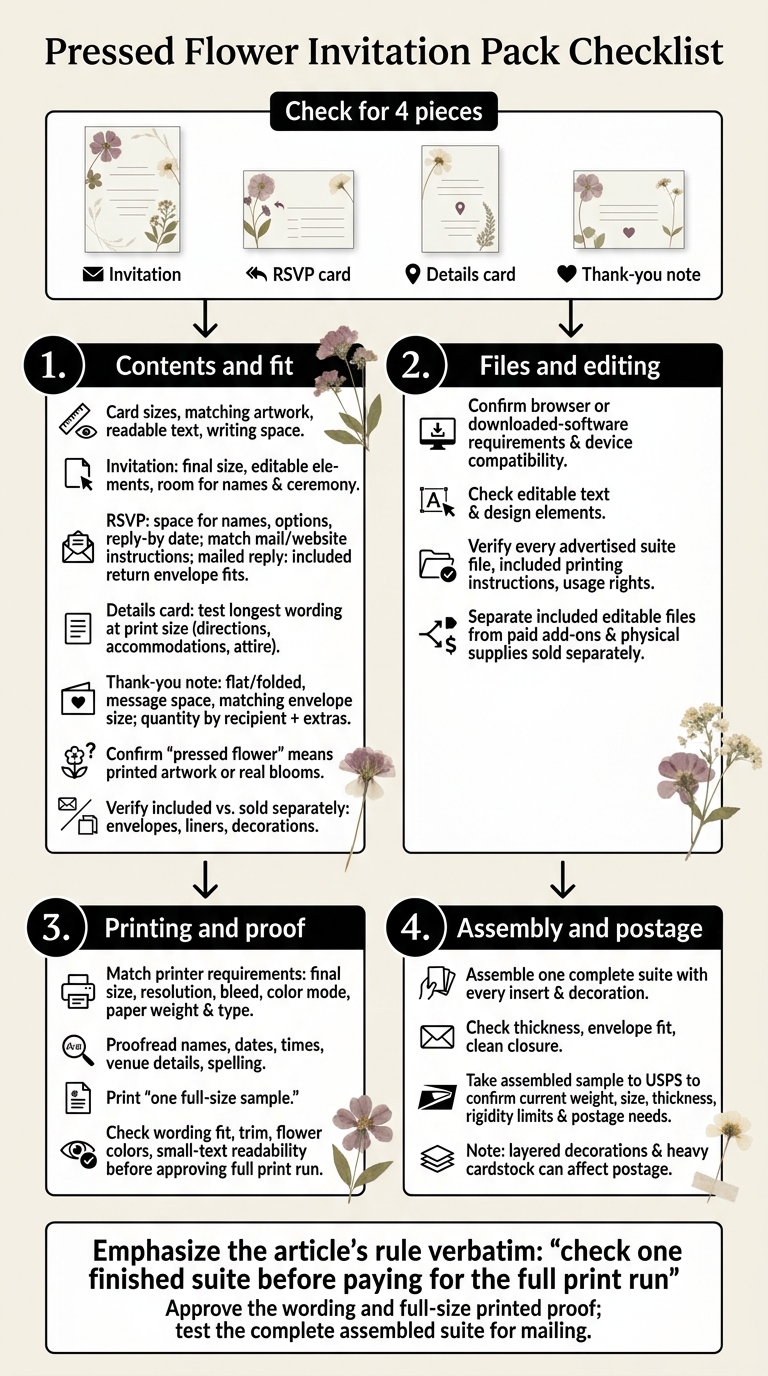
Pressed Flower Invitation Pack Checklist
Invitation, RSVP, and Details Card Checklist
Check that the artwork matches across all cards, the text is easy to read, and the smaller pieces have enough space.
Main Invitation: Size, Wording, and Editing Options
Confirm the final size and which design elements you can edit. Make sure your wording, names, and ceremony details fit. Read any print instructions before choosing a format, then check the smaller cards for space and fit.
RSVP Card: Response Options and Envelope Fit
Make sure the card includes space for guest names, attendance options, and a reply-by date. The instructions should match your reply method: mail or a wedding website. For mailed RSVPs, confirm that a return envelope is included and fits the card.
Details Card: Guest Information and Text Space
Check that the file has room for directions, accommodations, attire, and any other guest information you plan to share. Test your longest wording at the final print size, rather than relying on a zoomed-in preview. If the text feels crowded, choose a layout with more room.
sbb-itb-80d8183
Thank-You Notes and Stationery Extras Checklist
Once you’ve checked the core suite, look for thank-you notes and extras in the listing. Separate included editable files from paid add-ons and physical supplies sold separately.
Thank-You Notes: Format, Writing Space, and Quantity
Check whether the thank-you note is flat or folded, and make sure it leaves enough room for a personal message. Choose an envelope that matches the note’s size.
Count thank-you notes by recipient, then order a few extra for mistakes. Check which other extras come with the pack, too.
Envelopes, Liners, and Pressed-Flower Decorations
Confirm whether envelopes, liners, and decorative add-ons are included or sold separately. Test one finished card to check its thickness and make sure it fits the envelope.
Editing, Downloads, and Printing Checklist
Editing Software and Template Access
Once you’ve confirmed the suite pieces, check how you’ll open and edit the files. Does the template work in a browser, or does it need downloaded software? Make sure it works on your device, too.
Included Files, Artwork, and Usage Rights
Check that the download includes every advertised suite piece, along with any printing guide and usage terms listed as included.
Print Settings and Proof Checks
Before printing, make sure the file matches your printer’s requirements for final size, resolution, bleed, color mode, and paper weight and type.
Proofread every name, date, time, venue detail, and spelling choice. Then print one sample. Check the trim, flower colors, and small text before printing the full run.
Conclusion: Final Buying and Mailing Checks
Before placing your order, check these details:
- [ ] Suite pieces: Check that every card size, format, and insert fits your plan.
- [ ] Envelope contents: Verify which envelopes, liners, and decorations are included. Don’t rely on photos.
- [ ] Digital access: Make sure the editing software, printing instructions, and usage rights work for your setup.
Approve the final wording and a full-size printed proof before ordering the full run. Assemble one complete suite with every insert and decoration, then check that the envelope closes cleanly.
Once the proof passes, test the assembled suite under actual mailing conditions. Take the sample to USPS before mailing and ask staff to confirm current weight, size, thickness, and rigidity limits. Insert thickness, layered decorations, and heavy cardstock can all affect postage needs.
FAQs
Can I add real pressed flowers without damaging my invitations?
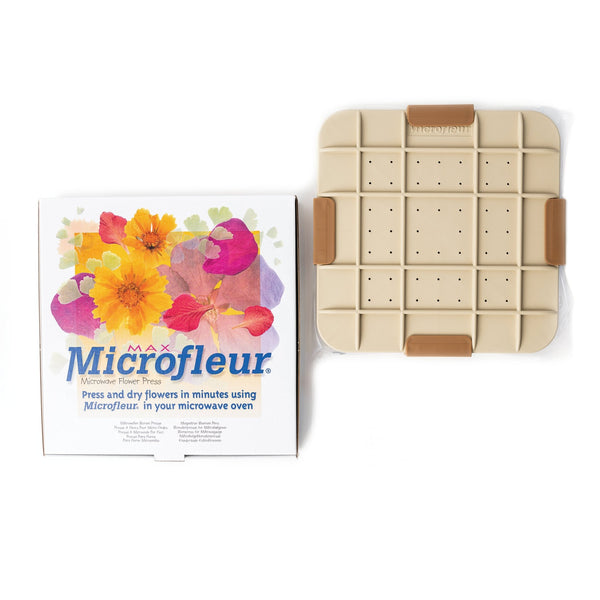
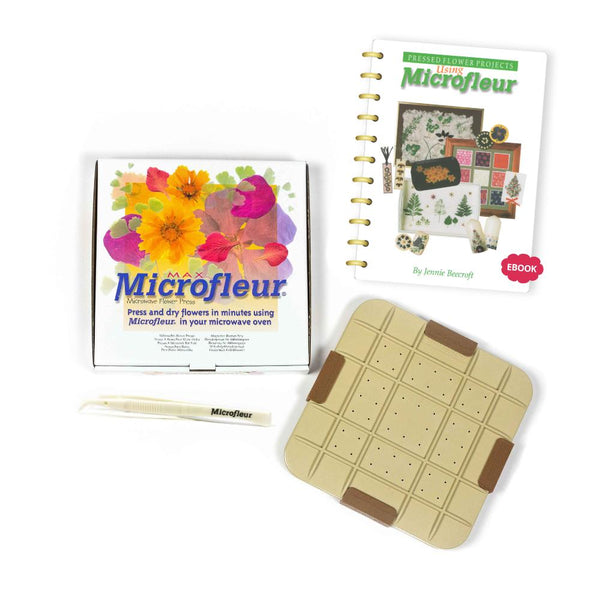
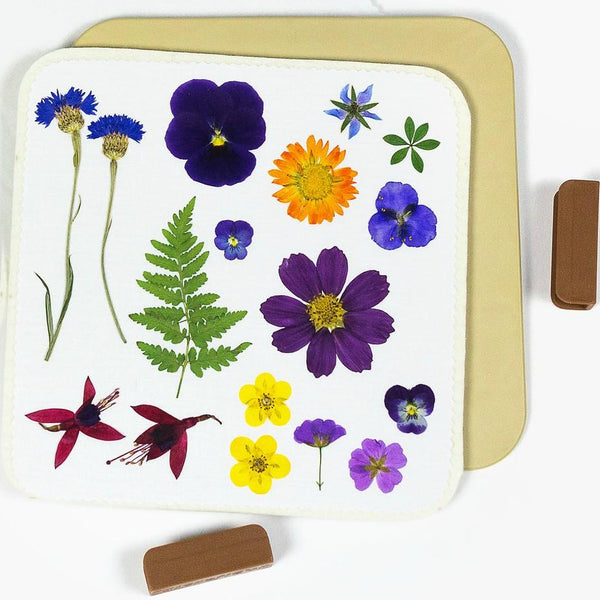
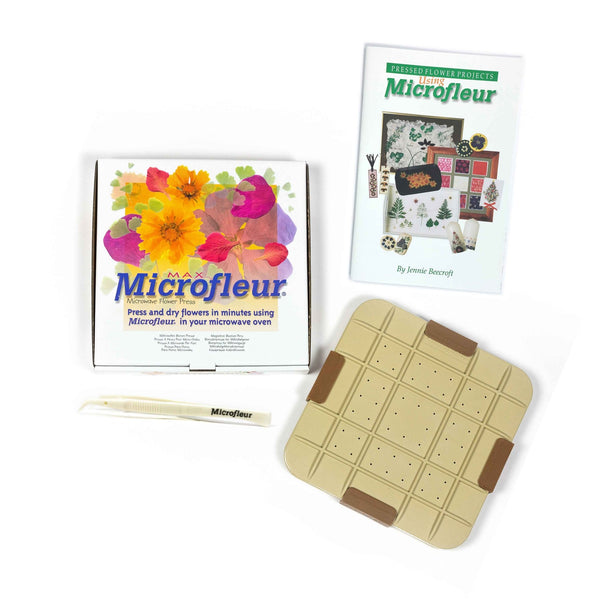
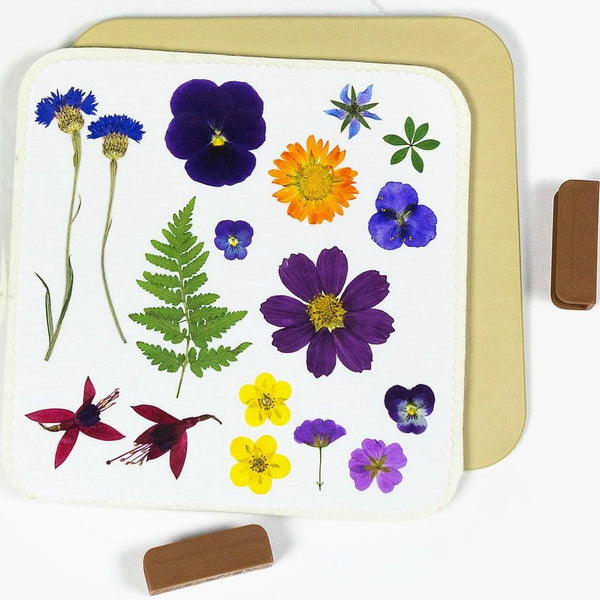
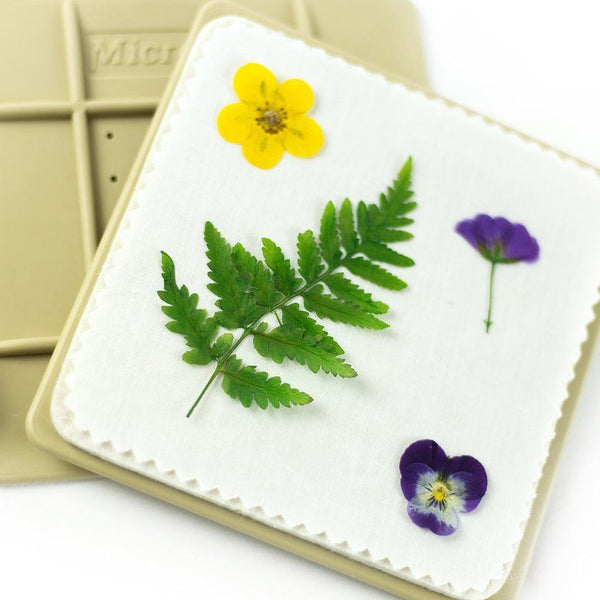
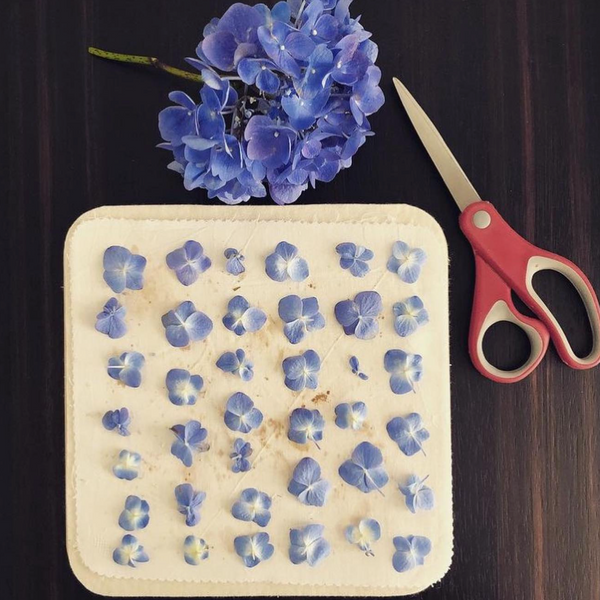
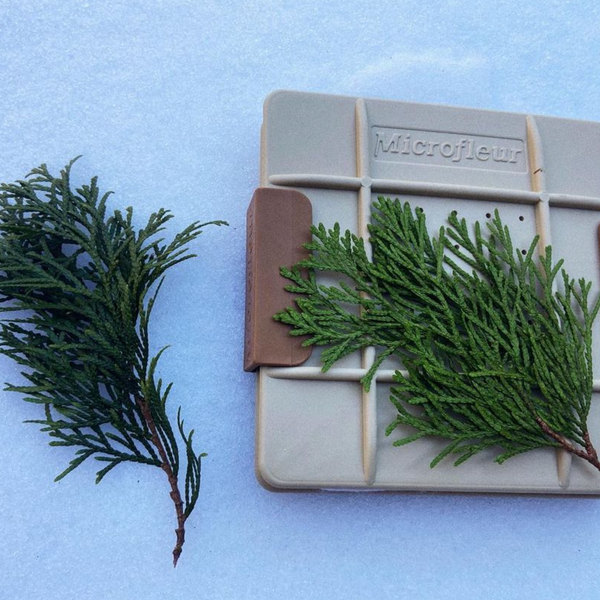
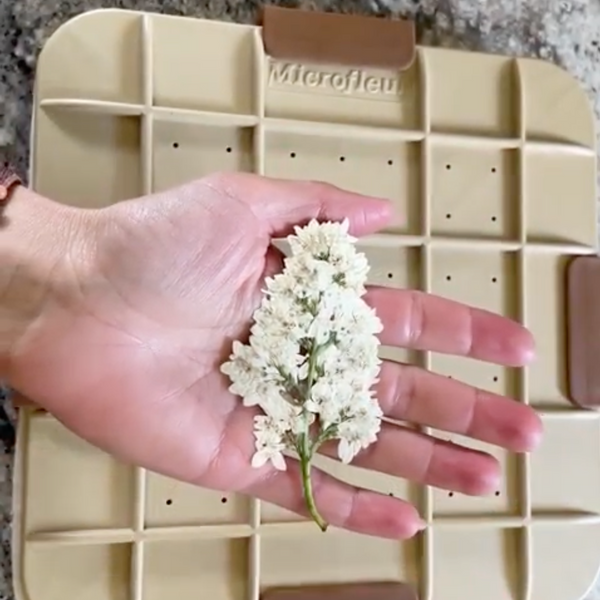
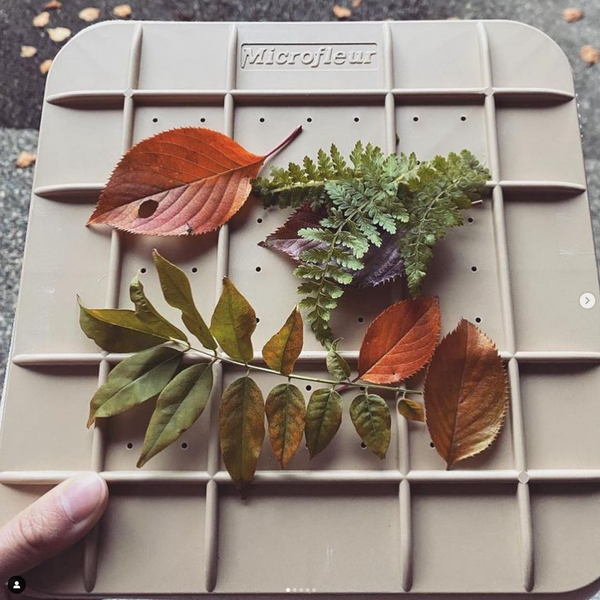
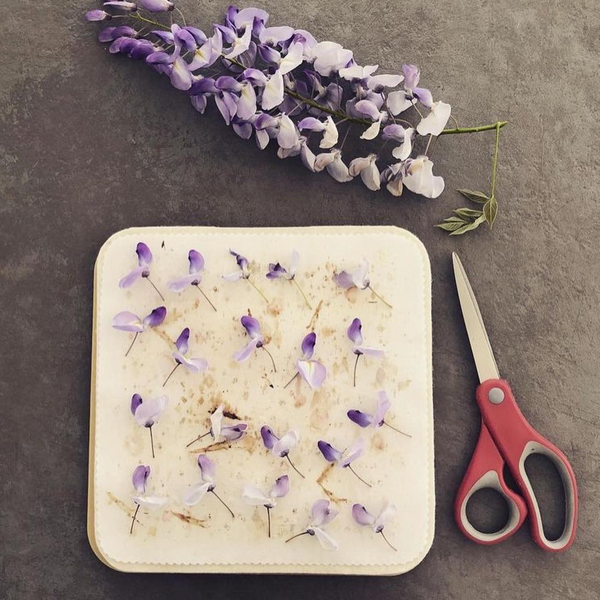
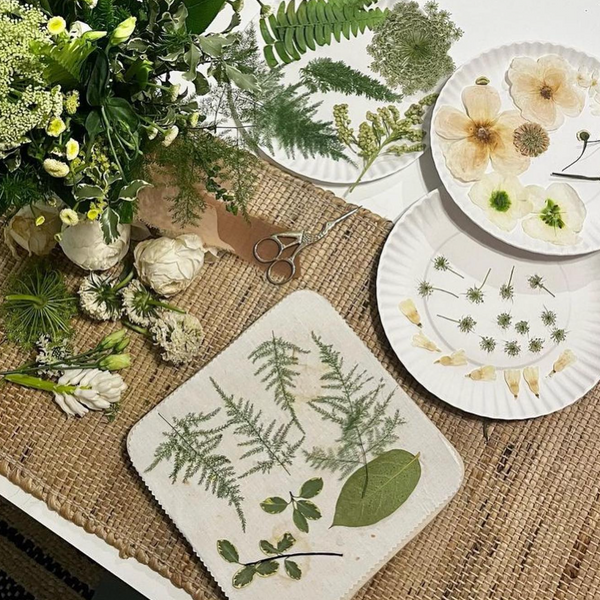
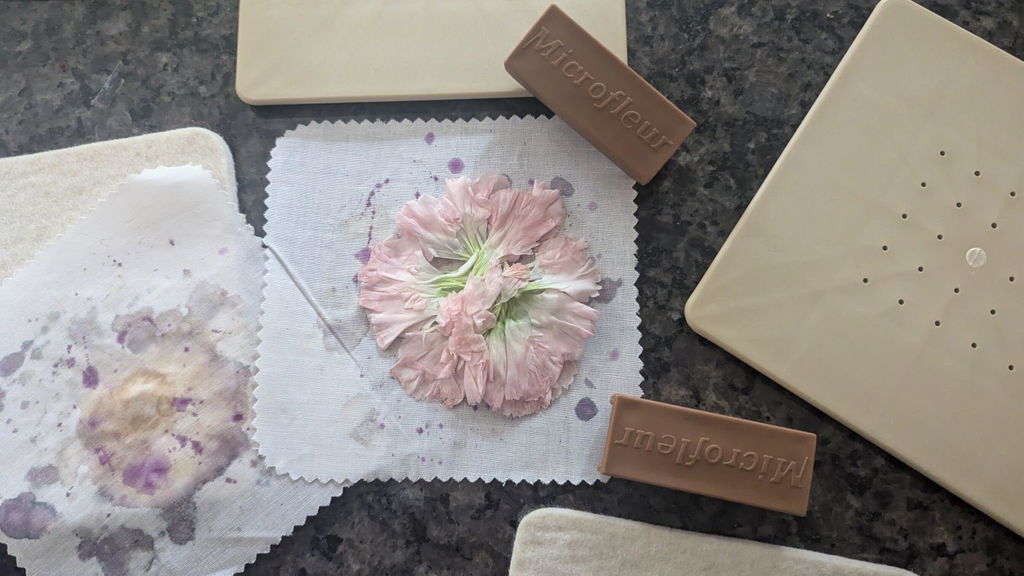
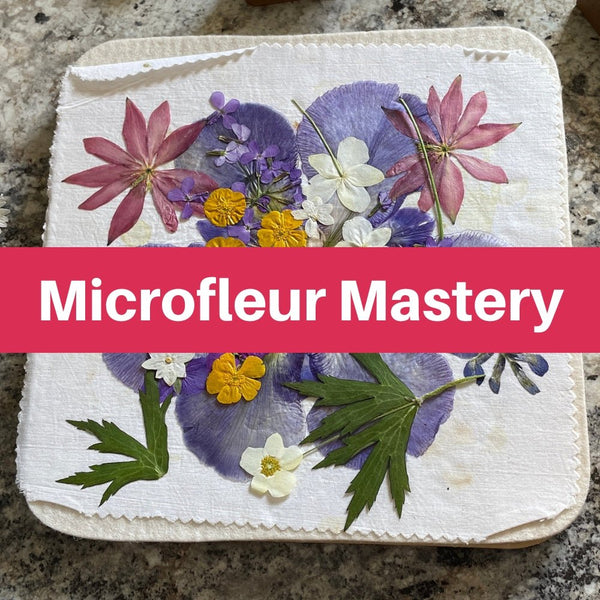
Yes - use fully dried, papery pressed flowers with no damp spots. Follow Microfleur’s guidance: arrange the flowers before gluing, then attach them with tiny glue dots. Too much wet glue can warp the cardstock. Let the glue and any sealant cure completely before handling or mailing.
If you choose to seal the flowers, apply a thin, archival-safe, flexible coating that protects against moisture and UV. Test it on a less precious flower first.
Can I resize the templates without losing print quality?
It depends on the file format. Vector-based templates can usually be resized without losing sharp lines or print quality. Raster files, such as JPEGs and PNGs, may look pixelated or blurry when enlarged beyond their original resolution.
Before editing your wedding suite, check the file type and make sure your editing software supports high-resolution exports for clear printing.
How can I keep pressed flowers intact during mailing?
Before packing, make sure every element is fully dry and sealed. Use rigid support to keep the card flat, and leave enough space around dimensional flower designs so they won’t get crushed in transit.
Check that nothing crosses the card’s fold. Secure all edges with small dots of adhesive to prevent them from catching or tearing during handling.